Start with the guest's next action
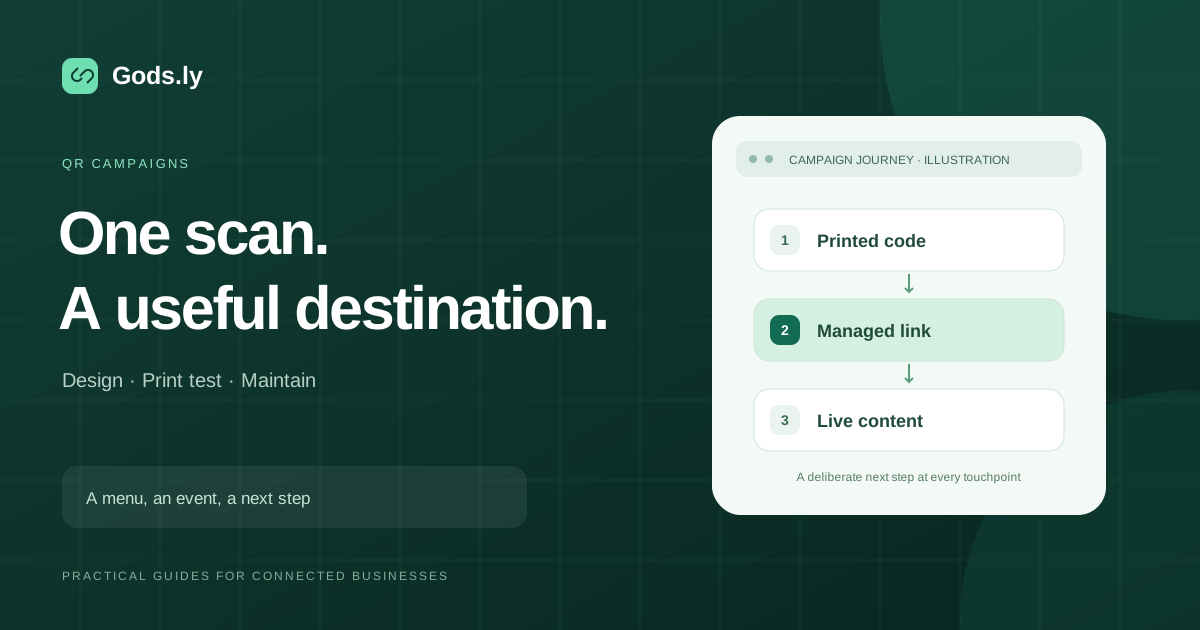
A useful event QR code opens the action promised by the sign: a schedule, RSVP, catalogue, registration form or contact page. Decide that action before designing the poster. One code with a clear purpose is usually easier to understand than several unlabeled codes.
For a pop-up store, “View today's collection” should reach a current catalogue. For an event, “See the schedule” should open the relevant program. Keep purchase or sign-up requirements clear before guests commit to the next step.
Map the placements before creating codes
| Placement | Primary action | Example alias |
|---|---|---|
| Entrance poster | View the event schedule | /event-schedule |
| Product display | Open the current catalogue | /popup-collection |
| Exit sign | Share feedback | /event-feedback |
These are planning examples, not measured results. Create separate managed links for placements you genuinely need to compare, even when they share the same destination. Use consistent campaign tags if your landing-page analytics needs acquisition information.
Run the pre-print review
- Confirm the destination is published, current and usable on a phone.
- Open the actual short URL and follow its full redirect journey.
- Generate the QR code from that approved link.
- Print a sample with the intended paper, size and finish.
- Scan it in realistic lighting and at the viewing distance guests will use.
- Check the surrounding instruction and provide a readable fallback address.
- Assign a link owner who can respond during the event.
Check usability in the venue
A good office scan does not reproduce glare, low light, crowd movement or unreliable venue Wi-Fi. Position signs where visitors can stop safely. Keep sufficient contrast and clear space around the code, and avoid surfaces that bend or obscure it.
Provide a staff or printed alternative when scanning is not practical. A code on the same phone screen a guest is using may need a clickable link as well.
Measure the right outcome
Link activity helps compare recorded interactions. It does not automatically identify unique people, completed registrations or sales. Preview services, repeated scans and visitors who leave before the destination loads can make these totals differ.
Define the conversion in the system where it occurs: a submitted RSVP, a confirmed booking or a completed purchase. Explain the measurement limits when comparing that outcome with redirect activity. Do not calculate return on investment from scans alone.
Maintain the journey after the event
Keep the printed link meaningful after the event ends. A managed short URL can point to a recap or current information when that is appropriate. Clearly label expired offers rather than silently presenting them as active.
Record the original destination, dates and reason for any change. Test the printed code again after changing the route. Archive campaign reporting according to the team's retention policy.
Useful next steps
Compare static and dynamic QR codes, review UTM campaign setup, and explore event and business tools in Gods.ly.