What happens to UTM parameters in a short link?
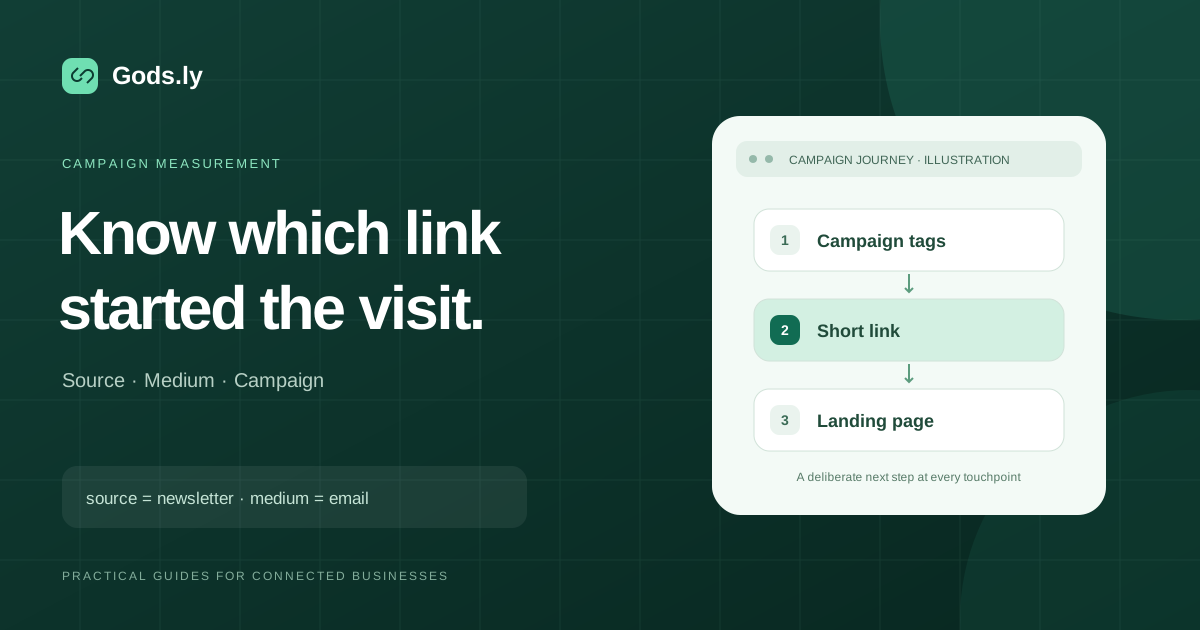
UTM parameters are labels on a destination URL that an analytics service can use to identify a campaign. A short link points to that complete destination. The shared address stays readable; the source, medium and campaign values travel with the visitor when the redirect preserves them.
A shortener does not install analytics on your landing page. That page still needs a working analytics setup and the appropriate visitor consent. Use link activity to understand the redirect, and landing-page analytics to understand sessions or conversions.
A worked example: a restaurant newsletter
Imagine a restaurant sharing its summer menu by email. These are example domains and campaign values, rather than a live restaurant campaign:
https://restaurant.example/menu?utm_source=newsletter&utm_medium=email&utm_campaign=summer_menu&utm_content=header_button
The public link could be https://go.restaurant.example/summer-menu. In Gods.ly, use the tagged menu URL as the destination when creating a link. If another tool already creates your tags, review that final URL before shortening it.
| Parameter | Example | Question it answers |
|---|---|---|
| utm_source | newsletter | Which source sent the visit? |
| utm_medium | Which channel carried it? | |
| utm_campaign | summer_menu | Which campaign was promoted? |
| utm_content | header_button | Which placement was used? |
Choose names before distributing links
Use a consistent vocabulary: lower-case words, underscores between words, and one agreed name per campaign. Treat capitalization as significant when reviewing reports. A second spelling can split results that belong together.
Keep the campaign name stable across channels, and change the source or medium to identify the channel. Use a separate short link when you need to compare email placements or printed materials. Do not put customer names, email addresses or other personal information in tracking parameters.
Test the complete journey
- Open the full destination and confirm it reaches the intended content.
- Create the short link, then open it in a browser rather than relying on the editor preview.
- Inspect the final browser address. Confirm the tags appear once and any existing query parameters still work.
- Check the relevant analytics report using your team's test procedure. An immediate redirect is not proof that a session or conversion has been recorded.
- Record the link owner, campaign dates and destination so the next person can maintain it.
Why do click totals and sessions differ?
A redirect request and an analytics session are different events. Link previews, security scanners, repeat visits, consent choices and browser restrictions can affect the two systems differently. Define the metric you are comparing before reporting campaign performance. Never label every redirect as a unique person or a sale.
Common questions
Should I tag navigation inside my own website?
Use your analytics system's internal event tracking for on-site navigation. Reserve campaign tags for acquisition links when you want to identify how visitors arrived.
Can I change tags after printing a QR code?
A QR code linked to a managed short URL can keep the same printed address while its destination changes. Test that particular link and code after the update; a static QR code containing the full destination needs a new print.
Continue with the right tools
See how to create and test a short URL, compare static and dynamic QR codes, or review the Gods.ly product directory for the tools available in your workspace.
Reference: Google Analytics documentation on campaign URL parameters.