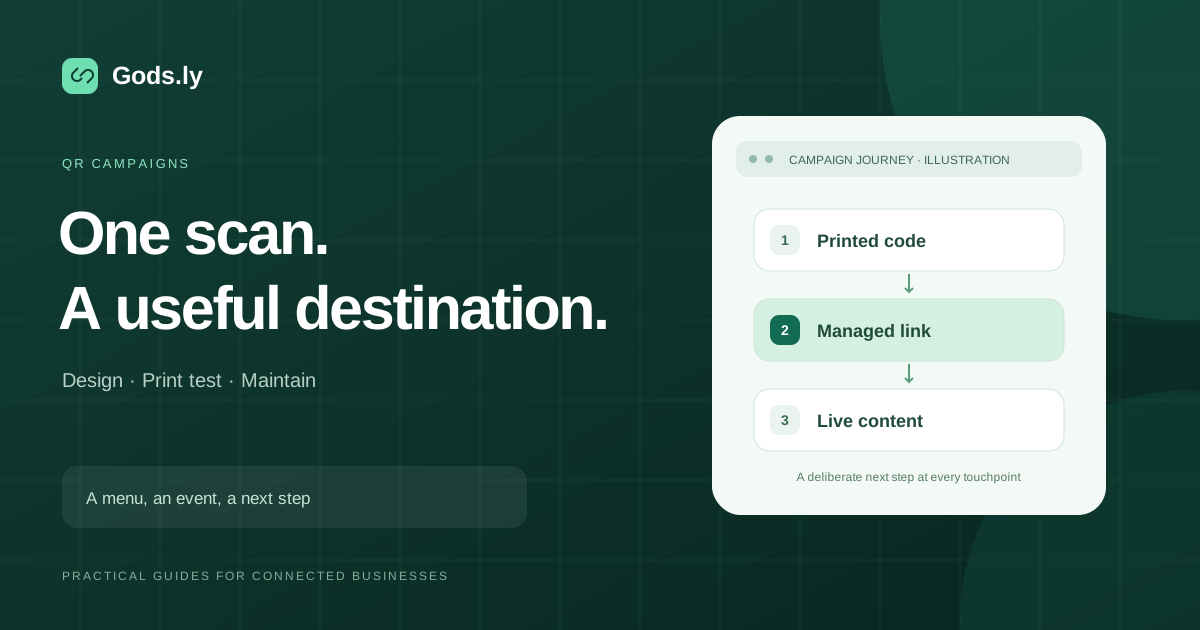
Compare event QR placements with separate routes, useful destinations, tested print assets, and confirmed registration records.
Each asset has a different purpose
A poster may invite registration, a ticket may open arrival information, a badge may identify a public profile, and a sponsor display may open an offer. Give each one a destination that matches that purpose.
A scan should reduce effort for the visitor. Show a concise label and a readable address, especially where people have limited time or poor connectivity.
Separate the placements before printing
Use distinct routes for the assets you want to compare. Preserve consistent campaign names, and make the printed design large and clear enough for its actual viewing distance.
Test PNG for digital placements and SVG or PDF for print. A dynamic route supports destination changes, but every change still needs a mobile check.
Reconcile the event result
Compare scans within the event’s reporting window and verify registrations, attendance, or sponsor redemptions in their responsible systems. A ticket QR used for entry is a different workflow from a general marketing code.
After the event, point long-lived material at a useful recap or current information. Record the outcome and keep ownership clear for the next edition.