What makes a restaurant QR menu useful?
A restaurant QR menu is a scannable route to a menu page. Its value depends on what happens after the scan: clear prices, readable text, current availability and a page that works on a guest's phone. A QR code does not itself create ordering, payment or an accessible menu.
Choose one primary action. If the code says “View the menu,” it should open the menu, rather than a sign-in screen or a collection of unrelated promotions.
Choose a destination you can maintain
A mobile webpage can be easier to read and update than a large PDF. If you use a PDF, keep it lightweight and check how text and prices appear without repeated zooming. Provide dietary and allergen information through your established restaurant process.
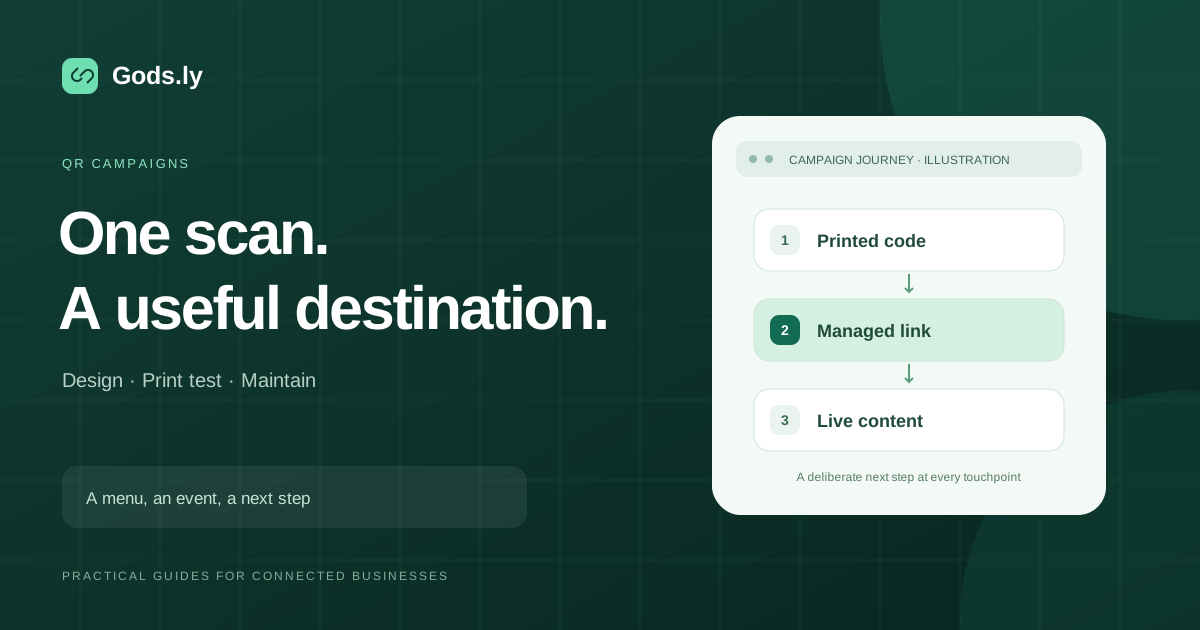
A QR code containing a managed short URL can continue to use the same printed code when that short link's destination changes. A static code containing a full destination cannot have its encoded address rewritten after printing. See the static and dynamic QR code comparison.
Build and test the menu route
- Publish the menu and open it on a phone over mobile data.
- Create a managed link to that menu. A branded domain is useful when guests should recognize the restaurant's address.
- Generate the QR code using that link. Add a short instruction such as “Scan to view the menu.”
- Export artwork suitable for your printing method and produce one physical sample.
- Scan the sample with different phones at the distance and lighting guests will use.
- Open the full journey again after every destination change.
Print quality matters more than decoration
Keep dark modules on a light background with strong contrast. Ordinary QR codes need a clear quiet zone around the symbol; DENSO WAVE describes a margin of four modules. Do not put borders, text or artwork inside that space.
The right physical size depends on the code's density, print quality, viewing distance and environment. A digital preview cannot prove a small printed code will scan. Check glare from laminated table cards, worn stickers and folded menus. If adding a logo, test the exported result rather than assuming the code's error correction will compensate.
Use a simple maintenance checklist
| When | Check | Responsible person |
|---|---|---|
| Before service | Current menu, prices and unavailable items | Menu owner |
| After an update | Same printed code reaches the intended menu | Link owner |
| During table checks | Code is readable and undamaged | Front-of-house team |
| During campaign review | Activity is interpreted with its counting limits | Campaign owner |
A scan or redirect is not necessarily a diner, an order or a sale. Use ordering-system data to measure orders. Separate links by placement only when that distinction supports a useful business decision.
Keep the experience usable for every guest
Offer a printed menu or staff assistance for guests without a suitable phone, connectivity or the ability to scan. Make the destination keyboard-accessible, use readable text and avoid requiring an account simply to see the menu.
Explore QR code generation and the QR campaign launch checklist. Reference: DENSO WAVE's QR symbol and quiet-zone guidance.