What is a custom short-link domain?
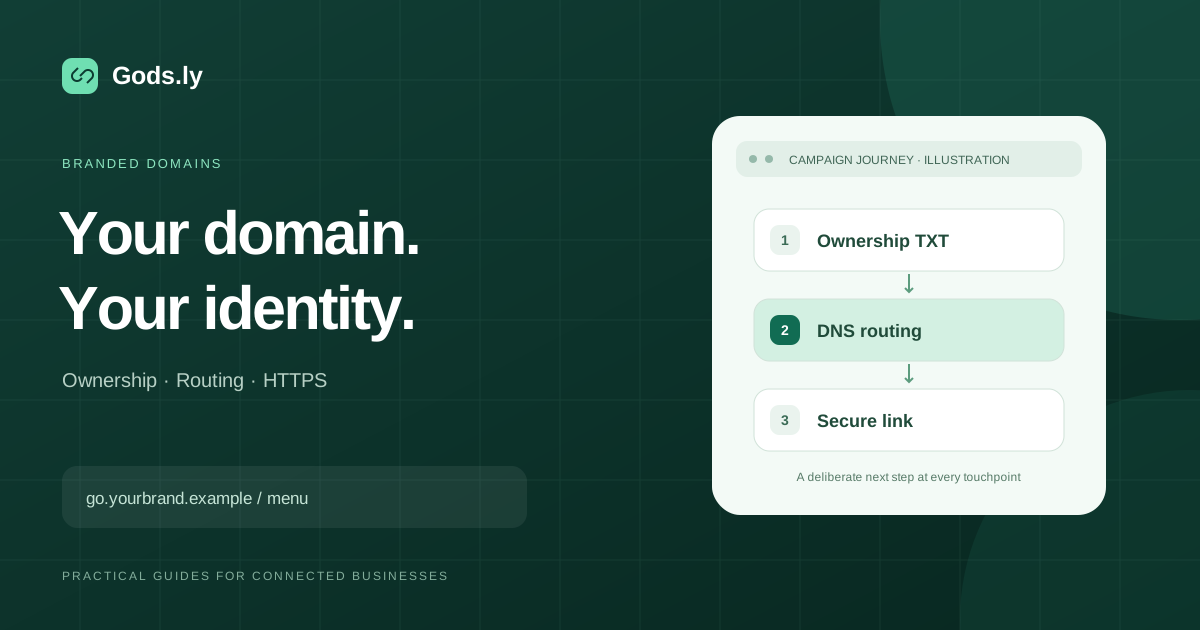
A custom domain lets a managed link use your own address, such as go.yourbrand.example/menu. It changes the public link identity, while the destination can remain your website, catalogue or booking page. It does not transfer domain registration or replace your website hosting.
A subdomain such as go is usually easier to separate from an existing website than the root domain. Before changing DNS, identify which hostnames your website and email already use.
Three checks determine connection readiness
| Check | What it proves | What to inspect |
|---|---|---|
| Ownership | Your workspace controls the hostname | The exact verification TXT name and value |
| Routing | The hostname reaches the link service | The required CNAME or provider-supported apex route |
| HTTPS | The hostname has a usable certificate | Hosting verification and certificate status |
Ownership alone does not make routing ready. Likewise, a certificate may be issued while the hostname still points somewhere else. All three checks matter.
Connect the domain in Gods.ly
- Open Domains in the workspace that will own the links and add the exact hostname you want to use.
- Copy the DNS records shown for that domain. Use the displayed values rather than a record copied from another workspace.
- Add them at your authoritative DNS provider. Some providers expect a short label; others accept the complete hostname. Avoid accidentally adding your domain name twice.
- Preserve existing website and email records. A hostname cannot have conflicting routing records.
- Refresh the connection status after the records become visible. Review Ownership, Routing and HTTPS separately.
- Create a test short link on the connected domain and open its HTTPS address on another device.
Why might a root domain show no CNAME?
Some DNS providers use CNAME flattening at the zone apex. They answer with the target's address records instead of exposing a normal CNAME response. Therefore, the absence of a visible CNAME is not always proof that a correctly configured root domain is broken.
Cloudflare documents this behavior for apex CNAME records. Follow the connection screen's routing instructions and evaluate the actual hostname route. Do not change a functioning root-domain setup merely because one lookup omits the CNAME.
Diagnose a connection that is still pending
- Ownership pending: check the TXT record at the authoritative nameservers and ensure the verification value matches exactly.
- Routing pending: inspect the target, conflicting A or AAAA records, proxy behavior and the hostname actually being tested.
- HTTPS pending: inspect the certificate verification record and any certificate-authority restrictions.
- Works only on one device: compare resolvers and local caches. DNS updates can take different times to become visible.
Keep verification records that the connection requires for continuing validation. Test a real short URL rather than judging the service only from its root page.
Keep branded links trustworthy
A recognizable domain helps people identify your brand, but it does not guarantee that every destination is safe. Restrict domain management to the appropriate team, keep registration current, review destination changes and maintain a clear owner for printed campaigns.
Continue with the short-link creation workflow and the secure link checklist. Explore custom domains in Gods.ly.
Reference: Cloudflare's CNAME flattening documentation.