Compare URL shortener services with a practical framework for branded links, QR codes, Bio Pages, reporting, privacy, and migration.
Start with the audience and the asset
Different campaigns need different tools. A one-time shared address, a product package, and a social profile have different requirements for editing, ownership, and reporting.
Write down the destinations, print formats, collaborator access, and domain controls you need before comparing providers.
Compare current capabilities rather than labels
Review the current official pricing and feature catalogues. Confirm quotas, export formats, analytics retention, API access, domain support, and what happens to published resources when paid access changes.
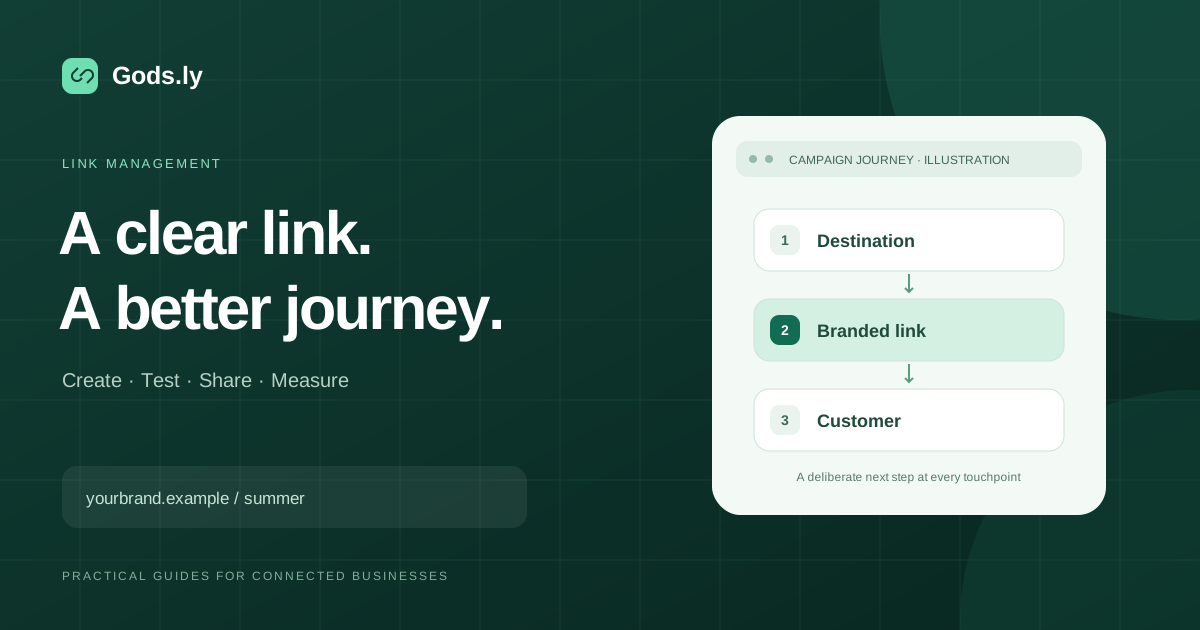
Test an actual campaign journey, including mobile use and a destination update. Avoid assuming a provider includes a feature because another tool uses a similar name.
Assess continuity and privacy
Moving a route does not automatically preserve the original domain or historical reports. Inventory active links and printed QR codes, and verify migration and rollback requirements.
Review visitor choices and how optional third-party integrations work. Gods.ly combines managed links, dynamic QR codes, Bio Pages, and campaign resources; use the same practical evidence to assess its fit alongside any other service.